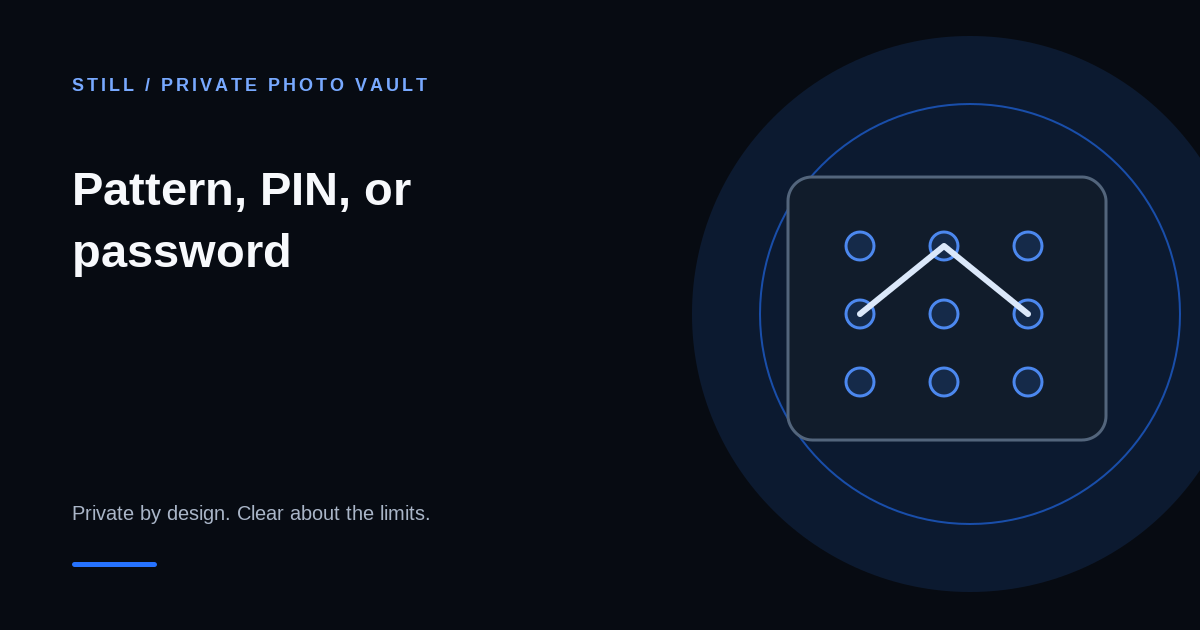
Patterns are quick, but can be observed
A pattern can be easy to draw and remember. Someone nearby may see the gesture, so think about where you use the phone and whether the interface offers another method. A pattern is not automatically a cryptographic key; ask how the app uses it.
PINs are familiar, passphrases can be longer
A short PIN is easy to enter and can be guessed if the app allows many attempts. A longer passphrase can be harder to observe or guess but may be less convenient. The product should explain attempt limits, lockout behavior and accessible alternatives.
Biometrics are an authentication convenience
Face ID can make access fast, but the app should explain the system behavior and fallback credential. Biometrics do not tell you how the files are encrypted. They may be one way to authenticate to an app-protected key, not a replacement for understanding recovery.
A vault credential is separate from your iPhone passcode
Apple Photos uses device authentication for its Hidden collection. A separate vault PIN, pattern or phrase creates another access step, but ask whether it protects the encryption key or only the screen. It cannot protect readable exports or copies outside the vault.
Choose with recovery in mind
Before importing private photos, learn how to change the unlock method and recover after device loss. If no support reset exists, keep the user-held recovery material exactly as instructed. Never put a recovery secret in a shared note or send it to support.
Still’s planned choices
The Still specification includes pattern access and strong phrase alternatives, with accessibility and recovery requirements. The native flow is not yet released, so these are design choices rather than a tested feature comparison.
Sources
Questions about this guide
Is a pattern safer than a PIN?
Not by itself. Guess resistance depends on how the credential is used, attempt limits, key derivation and how easily another person can observe it.
Does Face ID encrypt a photo vault?
Face ID authenticates access; the app’s separate storage and key design determine whether stored files are encrypted.
What if I forget my pattern?
Follow the app’s documented recovery method. Check it before setup; some user-held key models cannot be reset by support.
The native app is in development. See its current status before planning a move.
Check app availability