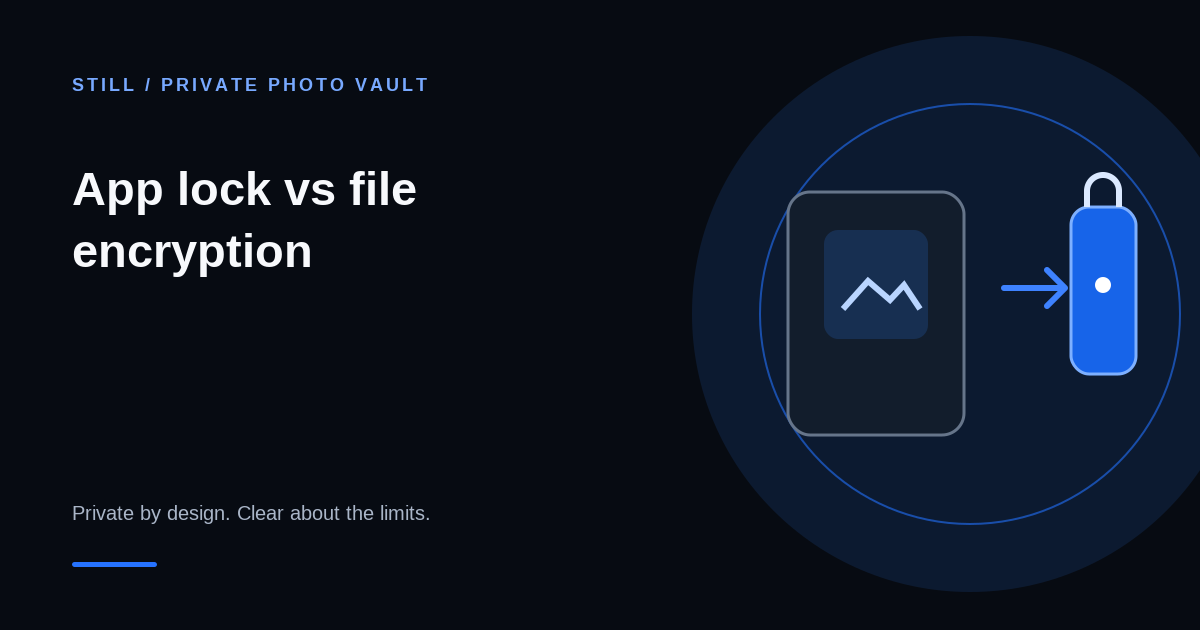
A lock is an access check
An app can require a PIN or Face ID before showing its gallery. That slows casual access, which may be all you need. But the prompt alone does not show how the app stores originals, thumbnails, filenames or its index.
Encryption protects stored data differently
Encryption transforms readable data into ciphertext that needs the right key to open. Ask whether encryption happens before a photo is written to storage, which files and metadata are covered, and where decryption keys live. A cipher name without key handling, backup and recovery details is not a complete security explanation.
Questions worth asking the developer
Can support reset a forgotten password and restore the contents? Does a backup contain readable files or encrypted data? Are exported photos still protected after leaving the vault? Is the key tied to the device, an account or user-held recovery material? Look for direct answers in current documentation.
Use a realistic test
With sample files, import a photo, close the app, reopen it and export a copy. Check what happens when the phone is offline and read the stated recovery steps. This is a useful product check, but it is not a substitute for a scoped security audit or device-level testing.
Still’s design status
Still’s specification separates the app’s access interface from native encrypted storage and keeps vault keys outside the service layer. The native implementation is in development and has not completed independent security review. Treat that as planned architecture, not deployed proof.
Sources
Questions about this guide
Can an app lock protect photos without encryption?
Yes. A lock can restrict access through the app while the storage layer is a separate question. Check the developer’s documentation for file encryption and key handling.
Does Face ID encrypt my photos?
Face ID can authenticate access to an app or feature. It does not, by itself, describe how photo bytes are encrypted at rest.
What should a vault security page explain?
It should identify protected data, encryption timing, key custody, backup and recovery behavior, export limits and the review status of the implementation.
The native app is in development. See its current status before planning a move.
Check app availability